What Slows Down a Dive Center More Than Bad Weather?
Bad weather is the obvious enemy, but the real profit killer is hiding in plain sight. Manual booking reconciliation, scattered waivers, endless data entry, and disconnected systems eat up hours every single day. Modern dive center software eliminates these bottlenecks by centralizing bookings, automating logistics, and optimizing boat capacity. This frees your team to focus on what matters: delivering incredible diving experiences instead of drowning in paperwork.
<b>Key Takeaways</b>
- Staff spend up to half their day on manual reconciliation tasks like updating boat lists.
- Manual processes create tribal knowledge traps where information stays locked in one person's head.
- Dive centers operate on thin margins (8-15% net), making operational efficiency crucial for survival.
- Dive center software connects bookings, waivers, payments, and manifests in real time.
- Automated systems maximize boat occupancy and prevent revenue loss from last-minute cancellations.
What's the Real Bottleneck Killing Dive Center Profitability?
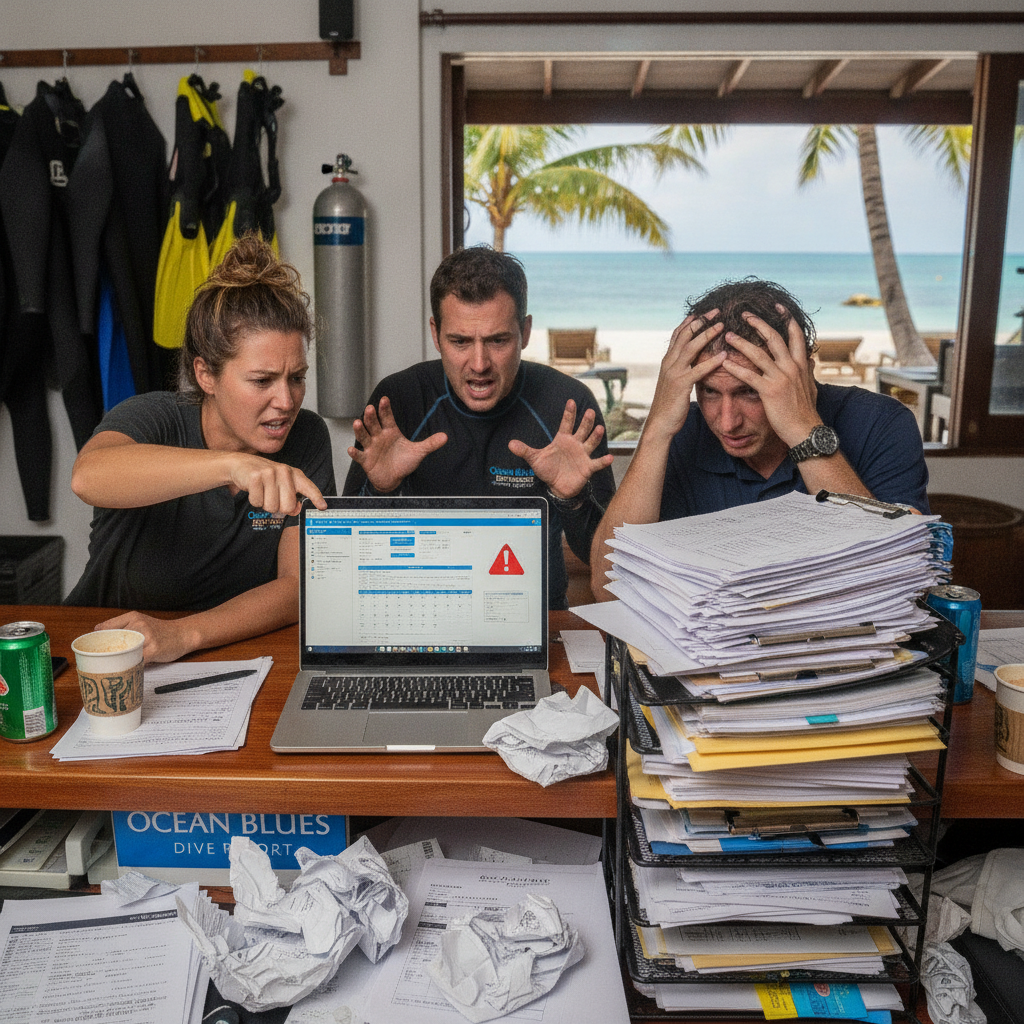
It's 6:30 AM at a busy dive center. Boats leave at 8:00 AM. Your staff is frantically hunting for a liability release that a guest claims they emailed yesterday.
Meanwhile, a customer calls asking about equipment sizes. Another diver needs their invoice resent. The boat manifest still shows yesterday's trip details. The ocean is glass calm and perfect. Inside the shop, it's pure chaos.
Bad weather is the obvious enemy every dive operator knows. But a silent killer costs you far more time, money, and sanity. The real bottleneck isn't the weather forecast. It's what happens in your office before anyone even touches the water.
Why Do Dive Centers Struggle With Daily Operations?
The scuba industry wasn't built for paperwork. Somehow, that's where most shops spend their energy. Dive centers evolved from passion-driven operations into complex businesses. They now require booking management, compliance tracking, and strict financial reconciliation.
Most operations cobble together different tools to get by. Spreadsheets for bookings. WhatsApp for staff communication. Paper waivers. Disconnected payment terminals. This fragmentation creates operational friction at every single touchpoint.
Other tourism sectors operate with modern efficiency. Many dive operators still function like it's 2005. According to industry research from the Business of Diving Institute, front desk and management staff often spend 25 to 50 percent of their working day on manual reconciliation tasks.
That lost time directly hits the bottom line. Dive centers typically operate on net margins of just 8 to 15 percent, according to industry analysis.
A booking comes via email but misses the boat list. A certification expires, but nobody notices until the guest reaches the dock. Equipment sizing gets lost in translation between three different instructors. What exactly are these bottlenecks causing all this friction?
What Are the Biggest Hidden Bottlenecks in Dive Operations?
What Is the Tribal Knowledge Trap?
<b>The problem:</b> Critical operational information lives in one person's head. Sometimes it sits scattered across personal notebooks.
<b>Why it matters:</b> The whole operation stumbles when that person takes a day off. New staff take months to get up to speed. Guest preferences, medical notes, and certification levels remain hidden from the rest of the team.
<b>Real scenario:</b> Your best instructor knows a regular guest always needs a size large wetsuit. When she takes a day off, nobody else knows to pack it.
How Does the Cancellation Domino Effect Work?
<b>The problem:</b> A guest cancels 48 hours before departure. The shop has no system to automatically fill that spot.
<b>Why it matters:</b> Half-empty boats mean lost revenue that you can never recover. That empty seat stays empty without real-time waitlist management. Manual outreach takes too long and usually happens too late.
<b>Bottom line:</b> A boat with twelve spots at $150 per diver loses $300 for just two empty seats. Poor cancellation management easily costs tens of thousands of dollars over a full season.
Why Is Fragmented Data Entry Dangerous?
<b>The problem:</b> Staff manually enter the same booking information into several different places.
<b>The workflow nightmare:</b>
- A guest books via email, and staff put it into a calendar.
- Someone manually copies the data into a boat manifest spreadsheet.
- Another staff member creates an invoice from that same data.
- An instructor transcribes it to a physical clipboard on the day of the dive.
- The manager manually reconciles the payment status after the trip.
<b>Why it matters:</b> Every manual transfer invites human error. Names get misspelled. Equipment sizes get mixed up. Payments get missed entirely. Repetitive data entry burns out your staff before the first boat leaves.
What Is the Invisible Admin Hour?
<b>The problem:</b> Accumulated minutes spent managing equipment logs, instructor schedules, medical forms, and payment tracking.
<b>Why it's dangerous:</b> These small tasks seem manageable individually. Collectively, they consume hours of time per staff member every day. Adding more trips just creates exponentially more admin work. On thin margins, this inefficiency threatens profitability.
> "We realized we were spending more time managing spreadsheets than managing the diving experience. That's when we knew something had to change."
>
> Brandon Tidwell, Owner of Dive Connections (DEMA Show 2026)
How Does Dive Center Software Solve These Bottlenecks?
The shift toward modern platforms isn't just about going paperless. It's about reclaiming the time you lose to administrative friction.
Centralized Truth for Your Entire Team
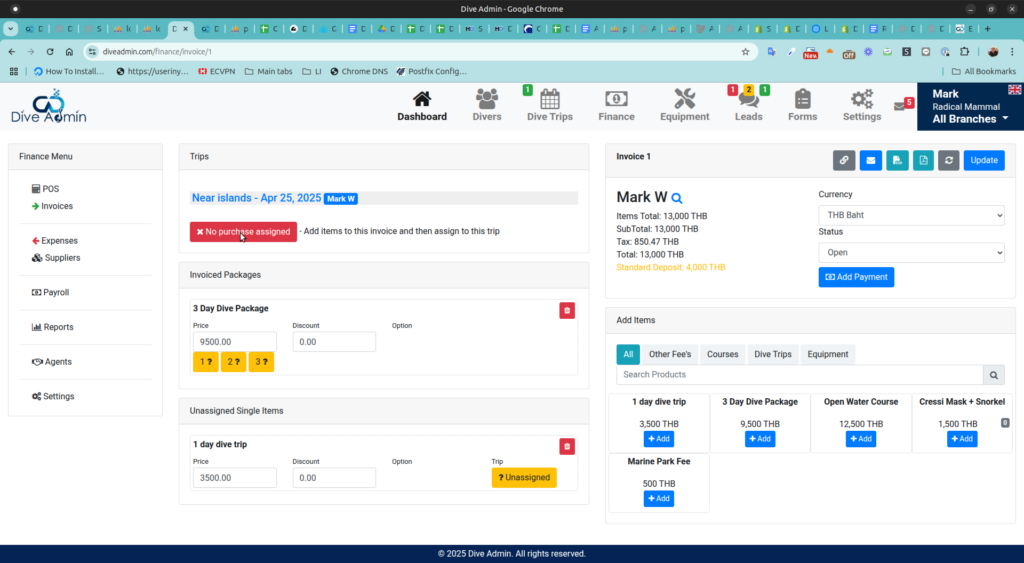
<b>What it does:</b> Dive center software connects bookings, waivers, payments, and boat manifests into a single dashboard.
<b>Benefit:</b> Your team stops hunting for information across five different places.
<b>Practical example:</b> A guest calls asking about a reservation. Any staff member can instantly see their payment status, equipment needs, and certification level in seconds.
Automated Logistics and Communication
<b>What it does:</b> The system automatically sends pre-trip reminders. It updates boat manifests when bookings change. It manages staff scheduling based on certifications.
<b>Benefit:</b> Everyone gets updated instantly without manual phone trees or group texts.
<b>Practical example:</b> A guest cancels late at night. Waitlisted divers automatically get notified, and the first to respond gets the spot.
Optimized Capacity for Maximum Occupancy
<b>What it does:</b> Provides real-time visibility into boat capacity with integrated waitlist management.
<b>Benefit:</b> Empty seats get filled faster. Revenue loss from cancellations drops dramatically.
<b>Practical example:</b> Boats leave with average occupancies near 100 percent instead of constantly running with empty seats.
Safety and Compliance Done Right
<b>What it does:</b> Digitizes waivers and medical forms to ensure completion before the dive.
<b>Benefit:</b> Your shop remains compliant with safety regulations. Check-in becomes seamless for guests. Everything gets archived and remains searchable.
<b>Practical example:</b> No more scrambling to find a signed waiver when an insurance provider asks for documentation. Both PADI (Professional Association of Diving Instructors) and NAUI (National Association of Underwater Instructors) require strict adherence to student record-keeping standards. Digital waivers ensure you never lose a required form.
What Should You Look for in Dive Center Software?
Not all software is created equal. You need specific tools for day-to-day operations.
Must-Have Features
- <b>Unified booking management:</b> Online booking that syncs directly with your internal calendar.
- <b>Digital waiver collection:</b> Mobile-friendly, legally compliant forms that automatically archive.
- <b>Payment processing integration:</b> A smooth flow to book, pay, and confirm in one step.
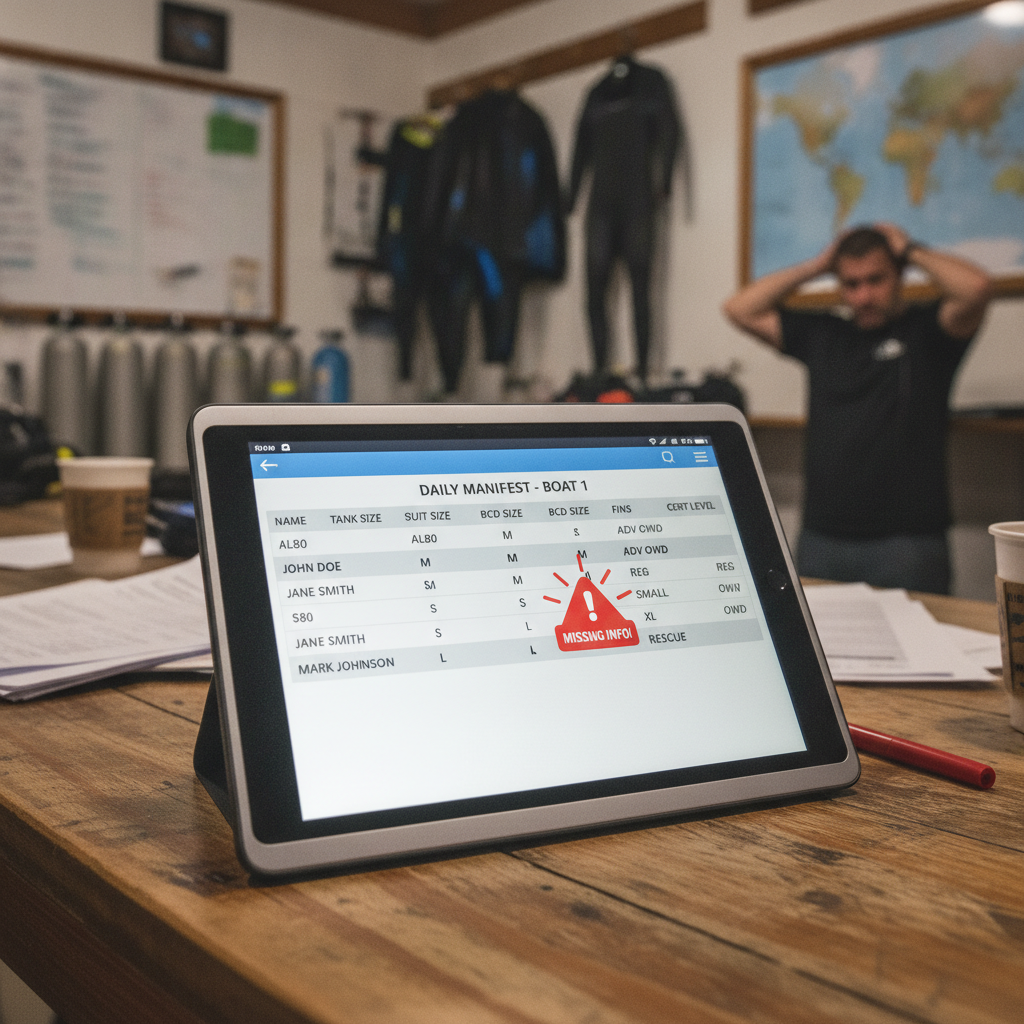
- <b>Dynamic boat manifest creation:</b> Lists that auto-populate from bookings and update in real time.
- <b>Staff scheduling tools:</b> Systems that match instructor certifications with specific trip requirements.
- <b>Equipment inventory tracking:</b> Visibility into what's available, in maintenance, or assigned.
Nice-to-Have Features
- <b>Automated reminders:</b> Email or SMS messages to reduce no-shows.
- <b>Waitlist management:</b> Tools to fill cancellations fast.
- <b>Reporting and analytics:</b> Dashboards to track revenue, occupancy rates, and popular trips.
- <b>Multi-language support:</b> Essential options for international destinations.
Red Flags to Avoid
<b>Common mistake:</b> Choosing a system that's too complex. If it takes weeks to train staff, it's not worth it.
<b>When to walk away:</b> If the software lacks mobile access, look elsewhere. Your team needs to check things from the dock or the boat. Watch out for poor customer support or expensive hidden transaction fees.
How Much Time Can You Actually Save With the Right System?
The time savings aren't theoretical. They're measurable and immediate for any shop running multiple boats.
Daily Time Savings Breakdown
<b>Booking management:</b> Save up to 45 minutes by eliminating triple data entry.
<b>Waiver collection:</b> Save 30 minutes using digital forms instead of paper.
<b>Boat manifest updates:</b> Save 20 minutes with auto-population.
<b>Payment reconciliation:</b> Save 30 minutes through integrated processing.
<b>Guest communication:</b> Save 45 minutes using automated reminders.
What That Means Over Time
<b>Weekly impact:</b> A typical shop reclaims 10 to 15 hours per week.
<b>Annual impact:</b> This adds up to over 500 hours saved per year.
<b>Financial terms:</b> At $20 per hour, you save roughly $10,000 a year per staff member in lost productivity.
<b>Better use of time:</b> Staff can direct those hours toward the guest experience, marketing, or instructor development.
Real-World Impact
<b>Scalability:</b> You can handle more bookings without hiring more office staff.
<b>Guest experience:</b> Staff have time to be present and helpful instead of stressed and buried in paperwork.
<b>Growth:</b> Growth becomes possible without proportional increases in admin burden.
Is Dive Center Software Worth the Investment?
When you operate on tight margins, every expense needs to justify itself.
Typical Software Investment
<b>Setup costs:</b> Usually zero for cloud-based systems.
<b>Monthly subscription:</b> Ranges from $100 to $500 depending on features and dive center size.
<b>Training time:</b> One to two weeks to get fully operational.
<b>Annual cost:</b> Averages around $1,200 to $6,000 per year.
Return on Investment
<b>Direct time savings:</b> You recover thousands of dollars in staff time value.
<b>Revenue recovery:</b> A small improvement in boat occupancy can mean huge revenue gains for a mid-size operation.
<b>Reduced errors:</b> You experience fewer missed payments, wrong equipment allocations, and compliance issues.
Break-Even Analysis
<b>Timeline:</b> Most dive centers break even within one to three months.
<b>First year ROI:</b> Shops typically see significant returns on their initial software investment by the end of year one.
The Real Cost of Doing Nothing
<b>Opportunity cost:</b> Every hour spent on admin is an hour you lose for revenue-generating activities.
<b>Competitive disadvantage:</b> Customers expect seamless digital booking.
<b>Staff burnout:</b> High turnover from admin overload costs far more than software in recruiting and training.
You didn't get into diving to manage spreadsheets. Invest in tools that let you focus on what you love.
FAQ
Can dive center software integrate with my existing booking system?
Most modern dive center platforms are built with integration in mind. Quality dive software typically offers CSV imports, API connections, or direct integrations for tools like QuickBooks or Mailchimp. Ask upfront during demos how easy data migration will be. Many providers offer onboarding support to help transfer your existing customer database, booking history, and equipment inventory without losing information.
What happens if the internet goes down during operations?
This is a legitimate concern for dive centers in remote locations. The best software includes offline mode capabilities. You can still check guests in, update boat manifests, and collect digital waivers without an internet connection. All data syncs automatically once you're back online. Most systems also allow you to print backup boat lists and emergency documentation the night before trips.
How hard is it to train staff on new dive center software?
If the software requires a thick manual and a week of training, it's probably too complicated. The best platforms are intuitive enough that staff can learn core functions in just a few hours. Look for platforms designed specifically for dive operations. These systems speak your language and use terms like boat manifest and certification levels out of the box.
Is my customer data secure with cloud-based dive software?
Reputable software providers use bank-level encryption, secure data centers, and regular backups. This is often far more secure than paper waivers in a filing cabinet or a local spreadsheet on a laptop. Look for providers that are compliant with data protection regulations like GDPR. Ensure they offer features like role-based access control so staff only see what they actually need.